Mastering Seamless Fabric Patterns and Luxury Vector Design for Print
Patterns that repeat flawlessly—without visible seams or interruptions—have become a cornerstone of modern design. Whether you are producing textiles, crafting digital backgrounds, or preparing files for commercial printing, seamless fabric patterns offer a level of polish and professionalism that standalone motifs cannot match. The ability to modify every aspect of these patterns—color, shape, size, text, and vector elements—using Adobe Illustrator transforms a static design file into a dynamic creative tool. Understanding how to work with luxury seamless pattern vectors in EPS, AI, PNG, and JPG formats opens up a world of possibilities for both seasoned professionals and enthusiastic hobbyists.
What Defines a Seamless Fabric Pattern?
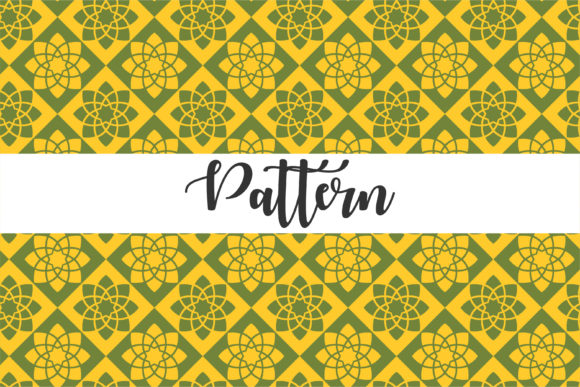
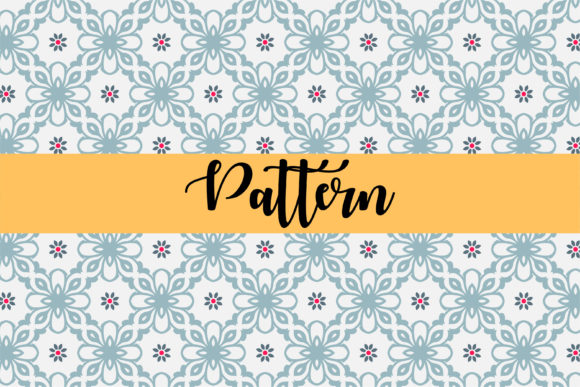
A seamless pattern is a design that repeats across a surface with no visible boundaries between repeats. When you tile the pattern, the edges of one tile match perfectly with the edges of the next, creating a continuous, uninterrupted visual flow. This technical requirement makes seamless patterns fundamentally different from isolated graphics or single motifs. In the context of fabrics, seamless patterns allow textiles to be cut, sewn, and draped without disrupting the design, which is why they are so prevalent in fashion, upholstery, and home décor.
Luxury seamless patterns elevate this concept further by incorporating refined color palettes, intricate geometries, and high-end aesthetic sensibilities. These designs are often used in premium product lines, exclusive branding, and designer collections. The vector nature of these patterns ensures they remain crisp at any scale, from a small swatch to a billboard-sized print.
The Vector Advantage: Why EPS, AI, and PNG Matter
When working with seamless patterns for print, the file format directly impacts your flexibility, print quality, and workflow efficiency. Vector formats such as EPS and AI store geometric data rather than pixel information, which means you can scale the pattern infinitely without losing resolution. This is critical for print applications where output sizes vary widely.
- .EPS (Encapsulated PostScript) — A universal vector format compatible with most professional design software. EPS files preserve layers, paths, and color profiles, making them ideal for transferring patterns between applications and for use in large-format printing workflows.
- .AI (Adobe Illustrator) — The native format for Adobe Illustrator. AI files retain full editability, allowing you to access every vector point, gradient, and effect. If you plan to customize a pattern extensively, starting with an AI file gives you the most control.
- .PNG with transparent background — A raster format with alpha channel transparency. PNG files are excellent for digital mockups, web use, and overlaying patterns onto existing designs without a white box around them. The transparent background lets the pattern sit seamlessly on any colored surface in your compositing software.
- .JPG with white background — A widely compatible raster format. JPG files with a solid white background are useful for quick previews, client presentations, and applications where the pattern will be placed against a light surface. They offer smaller file sizes and broad compatibility across non-design software.
Understanding when to use each format streamlines your production pipeline. For deep customization, rely on EPS or AI. For rapid deployment in digital contexts, PNG and JPG serve well.
Customizing Patterns in Adobe Illustrator: A Practical Workflow
The true power of luxury seamless patterns lies in their editability. With Adobe Illustrator, you can change nearly every attribute of the design without starting from scratch. Here is how professionals approach the five core customization areas:
Changing Color
Because seamless patterns are built from vector shapes, recoloring is straightforward. Use Illustrator's Recolor Artwork feature to apply global color shifts or assign specific swatches to individual elements. Luxury patterns often benefit from sophisticated color harmonies—metallics, pastels, deep jewel tones, or monochromatic gradients. By editing the color palette, a single pattern can be adapted for spring apparel, autumn upholstery, or holiday packaging.
Reshaping and Scaling Elements
Not every pattern suits every surface. You might need to enlarge a floral motif for a statement curtain or reduce its size for a delicate scarf. Because the pattern remains fully vector, scaling is non-destructive and instantaneous. Similarly, you can reshape individual components—stretching a geometric node or rotating a leaf—while the tile structure remains intact. This flexibility ensures the pattern harmonizes with the physical dimensions of your product.
Adjusting Size and Repeat Structure
The size of a pattern tile determines how many repeats appear across a given area. In Illustrator, you can modify the tile dimensions via the Pattern Options panel. Increasing the tile size creates a more spacious layout; decreasing it produces a denser effect. Some luxury seamless patterns are designed with half-drop or brick repeats, which require careful alignment of objects at the tile edges. Illustrator's smart guides and the pattern editing mode help you maintain perfect tiling as you adjust parameters.
Incorporating Text and Typography
Text-based seamless patterns are increasingly popular for branding, wallpaper, and custom stationery. You can add vector text to any pattern tile, convert it to outlines for full editability of the letterforms, and then integrate it into the repeat. Because text becomes part of the vector geometry, you can apply gradients, strokes, and effects just like any other shape. Luxury patterns might feature monograms, script elements, or geometric letterforms woven into the fabric of the design.
Editing Vectors and Adding Detail
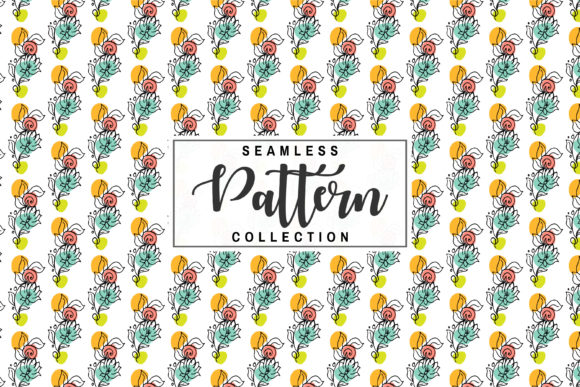
The most distinctive aspect of vector seamless patterns is the granular control over every path and point. You can add new motifs, remove existing ones, or combine multiple patterns together. For example, you might overlay a subtle dot texture onto a floral pattern to create a sophisticated dual-layer effect. Because everything remains vector, you can experiment freely without degrading quality. This level of detail is what separates a generic repeating pattern from a truly luxury seamless pattern.
Real-World Applications Across Industries
Luxury seamless patterns and editable vector files serve a broad range of use cases. Here are several contexts where they provide tangible value:
Fashion and Textile Design
Designers use seamless patterns to create fabric collections faster. By starting with a high-quality vector pattern and adjusting colors to match seasonal trends, a single base design can yield dozens of variations. Pattern repeats are essential for garments, accessories, and even shoe uppers. The ability to preview a pattern on a 3D garment model (using software like CLO 3D or Marvelous Designer) is enhanced when the pattern file is a clean, scalable EPS or AI.
Interior Design and Home Décor
Wallpaper, curtains, throw pillows, and rugs all rely on seamless pattern repeats. For interior designers, having editable vector files means they can resize a pattern to fit a specific wall dimension or recolor it to match a client's upholstery fabric. Luxury seamless patterns in particular are sought after for accent walls, headboards, and bespoke furniture pieces where the pattern becomes a focal point.
Branding and Packaging
Many brands use custom seamless patterns as part of their visual identity—on shopping bags, product packaging, tissue paper, or digital assets. Because the pattern can be edited in Illustrator, a brand manager can update colors for a limited edition release or resize the pattern for a small gift box versus a large shipping carton. The vector format ensures the pattern prints cleanly across all substrates.
Digital Design and UI/UX
While print is the primary focus, seamless patterns also appear in digital contexts. Website backgrounds, app interfaces, and social media graphics benefit from the same pattern files. The PNG version with a transparent background is particularly useful here, as it layers perfectly over images or gradients. A luxury seamless pattern can give a digital product a tactile, high-end feel.
Education and Craft
Teachers, students, and hobbyists use seamless patterns to learn design principles, create scrapbooking materials, or produce custom gifts. The editability of the vector files makes them ideal teaching tools—students can dissect how a repeat is constructed, change variables, and see the results immediately. Independent crafters selling on platforms like Etsy often purchase pattern vectors to create unique products without needing advanced illustration skills.
Key Considerations When Working with Seamless Pattern Vectors
Even with powerful tools like Adobe Illustrator, there are practical factors to keep in mind to ensure your final output meets professional standards.
- Check tile edge alignment — After editing, always verify that objects crossing the tile edges are correctly cloned to the opposite side. A single misaligned element will break the seamless effect. Use the Pattern Options panel's visibility controls to inspect edges closely.
- Test print at scale — What looks good on screen may behave differently in print, especially with fine lines or very dense repeats. Print a small swatch first to confirm colors, sharpness, and overall balance.
- Maintain color consistency — For professional print runs, ensure your pattern uses the appropriate color mode (CMYK for most commercial printing, RGB for digital) and that spot colors are defined if needed. Luxury patterns often use metallic inks or foil stamping, which require special color swatches rather than process colors.
- Organize layers and groups — When saving as AI or EPS, keep your design organized. Named layers and logical grouping make it easier for others (or your future self) to edit the file. A messy vector file undermines the efficiency that seamless patterns are supposed to provide.
- Back up original files — Always archive the unedited master AI file. If you explore many color variations or drastic shape changes, you can always revert to the original and start a new branch rather than overwriting your baseline.
Evolving Trends in Luxury Seamless Pattern Design
Pattern design, like any creative field, evolves with cultural and technological shifts. Currently, several trends are shaping how seamless fabric patterns are created and used:
Sustainability-driven design — Brands are seeking patterns that can be printed on demand, reducing waste. Editable vector files support this model by allowing designers to quickly adapt patterns for small-batch production. Natural motifs, organic shapes, and earthy color palettes reflect a growing preference for environmentally conscious aesthetics.
Mixed media and textured vectors — Luxury seamless patterns increasingly mimic the look of hand-painted textures, watercolor washes, or woven fabrics—all achieved through vector gradients, opacity masks, and noise effects. This blurs the line between digital and analog, offering the best of both worlds: tactile appearance with digital editability.
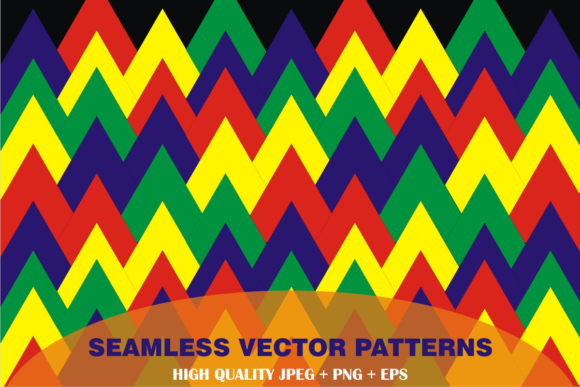
Geometric complexity — Intricate geometric patterns, including tessellations, optical illusions, and layered grids, are popular in both fashion and interior design. These patterns rely on precise vector mathematics, and editing them requires a clear understanding of how mathematical symmetry translates into visual harmony.
Personalization at scale — With direct-to-fabric printing technology advancing, consumers can order custom-patterned products with short turnaround times. Having a library of editable seamless patterns allows brands to offer endless variations—change the color, adjust the scale, add a monogram—and fulfill orders quickly without holding large inventories.
Each of these trends reinforces the value of mastering seamless fabric patterns in a vector workflow. The ability to rapidly iterate, customize, and output in multiple formats is no longer a convenience—it is a competitive advantage.
Practical Tips for Getting the Most Out of Your Pattern Files
To wrap up the technical side, here are actionable recommendations for anyone working with luxury seamless pattern vectors:
- Always start with an AI or EPS file when customization is required. Resist the temptation to edit a rasterized version—you lose too much control.
- Use the Pattern Options panel in Illustrator to preview repeats in real time. This panel shows you exactly how the pattern will tile and lets you adjust spacing, overlap, and tile type.
- Save a transparent PNG version after you finalize your edits. This serves as a versatile asset for digital mockups and presentations.
- Keep a clean JPG with a white background on hand for client previews, especially if the client does not have design software to open vector files.
- Document your color palette separately. If you are branding a pattern for a client, include a swatch library or a reference sheet so that future color updates are consistent.
- Experiment with blending modes and transparency in Illustrator to create layered effects. A single pattern can become two or three variants simply by stacking it with itself at different opacities.
The combination of pattern - seamless fabrics patterns and luxury seamless patterns design vector for print provides a foundation that is both artistically rich and technically robust. Whether you are designing a couture fabric collection, developing a brand identity system, or teaching the principles of repeat patterns, the ability to change color, shape, size, text, and vector elements in Adobe Illustrator transforms your workflow. The files you choose—EPS for cross-platform flexibility, AI for deep editing, PNG for digital transparency, and JPG for broad compatibility—each serve a distinct purpose in the journey from concept to finished product.
By approaching seamless patterns as living, editable assets rather than fixed images, you unlock a level of creative freedom that aligns perfectly with modern production demands. The pattern is not just a decoration; it is a system. And understanding how to manipulate that system is what separates a competent designer from a truly versatile one.